

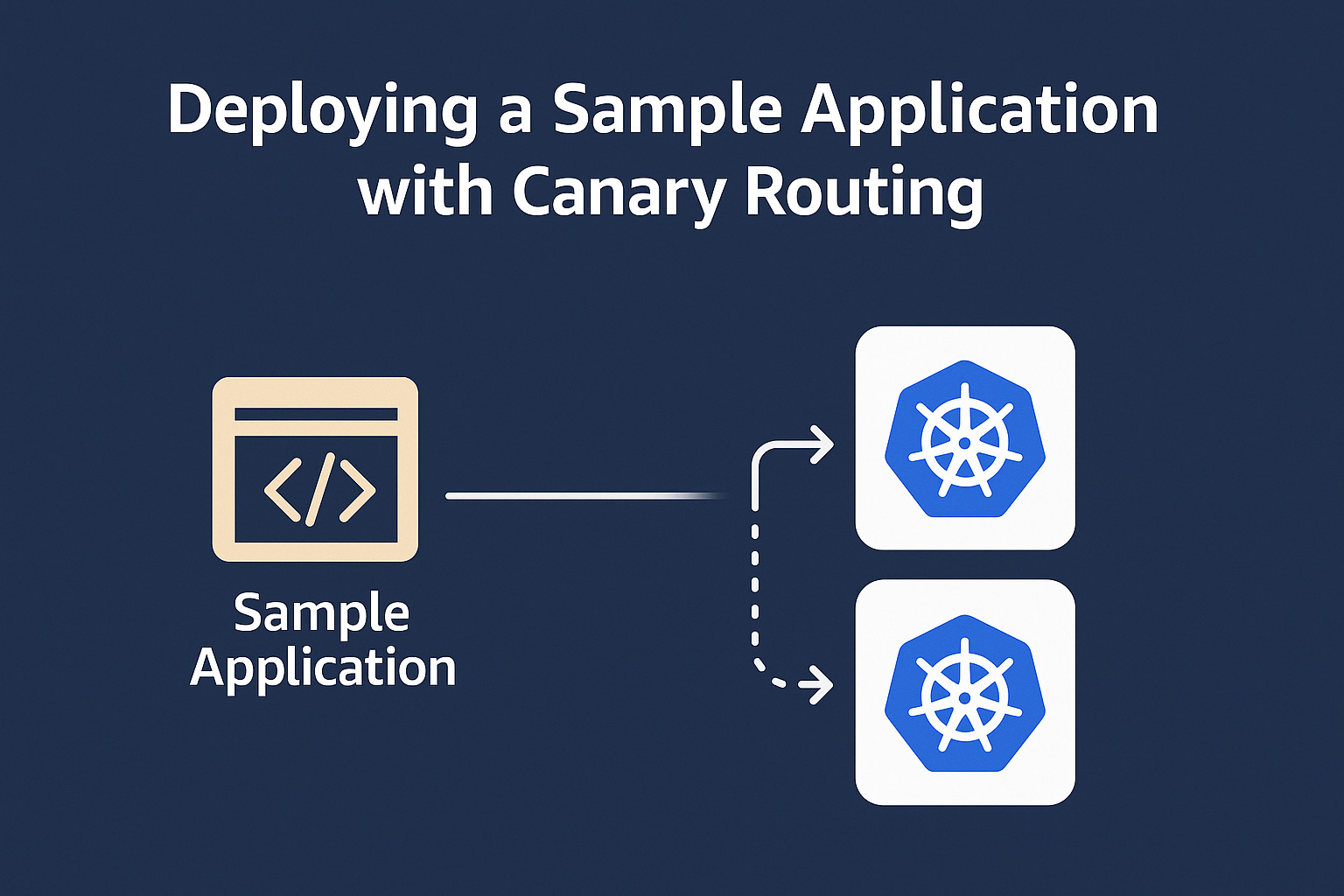
Now that your EKS cluster, App Mesh controller, and Flagger are ready, it’s time to deploy a real workload and configure it for automated canary deployments. In this part, we’ll use the well-known Podinfo microservice as our sample app, set up App Mesh virtual services and nodes, and create a Flagger Canary resource to drive progressive traffic shifting and automated rollbacks based on metrics.
